


01 · Home
Your day, at a glance.
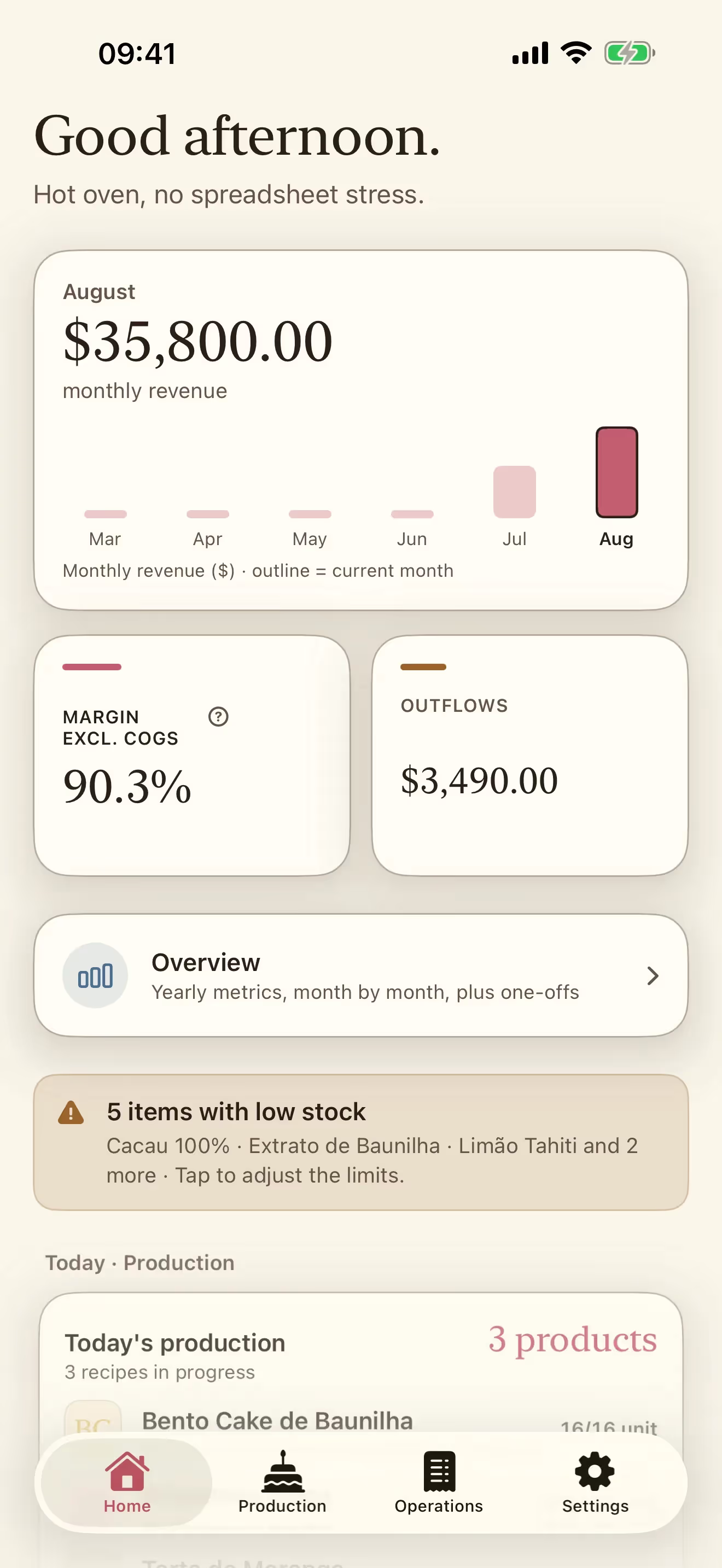
Revenue for the month, margin and outflows up front, with today's production and recent sales just below.
Receitório is the digital notebook for people who bake to sell. Enter your ingredients and packaging once, and it costs out every recipe for you: what the batch really costs, what one cookie costs, and the price that leaves the margin you asked for.
Each part exists because it settles a decision you make every week. It is not another dashboard full of numbers. It is a notebook open on the counter. See how it works, screen by screen.
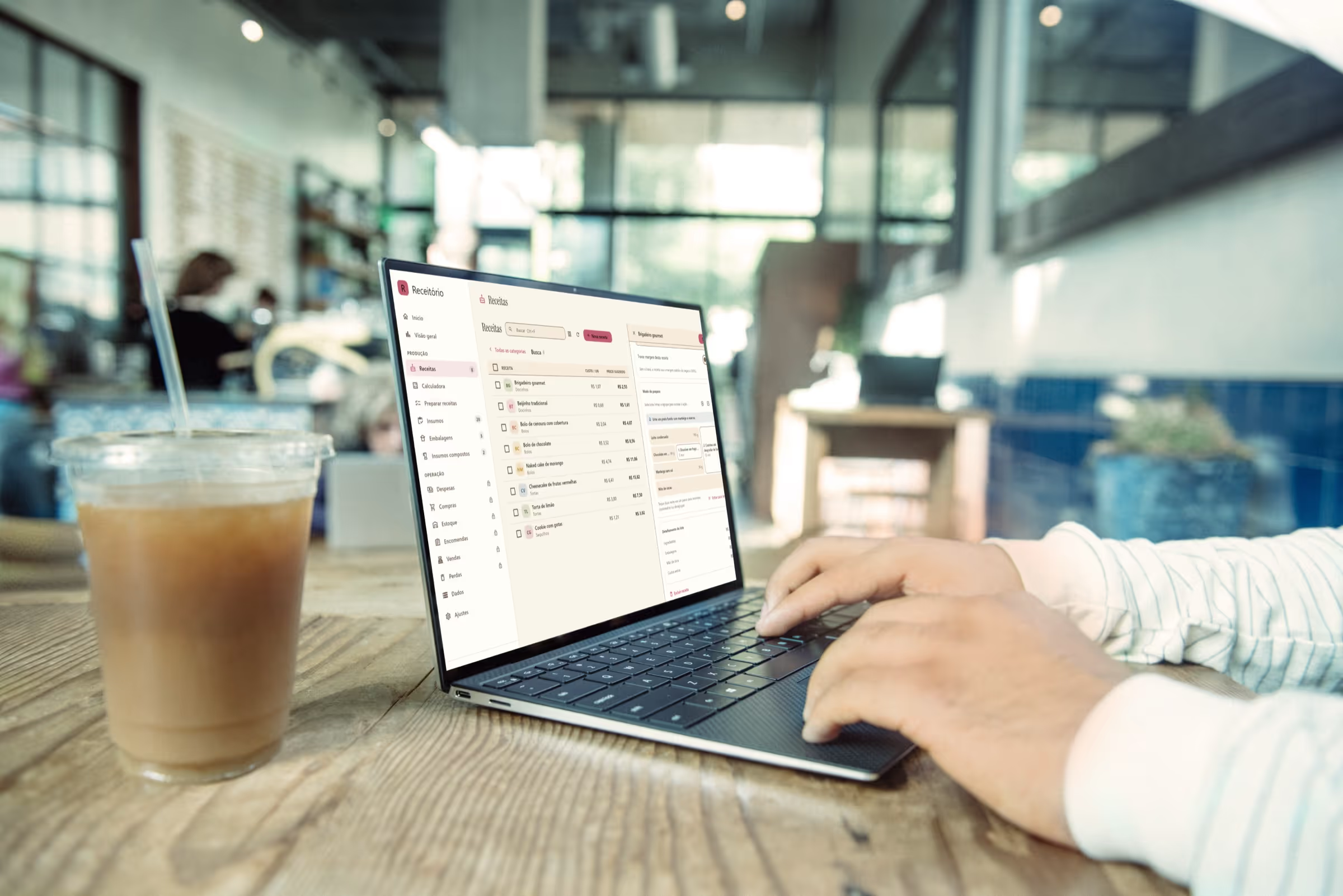
Yield, labor, packaging and margin on one recipe sheet. No spreadsheet open in another app.
Prepare a batch and the ingredients leave inventory. Whatever runs low lands on the shopping list, with the price you last paid.
Customer, units and period on one screen, with no rework at the end of the month.
On iPhone, iPad and Mac it syncs through your iCloud. On every device the data is yours: export it for your accountant whenever you want.
Revenue for the month, margin and outflows up front, with today's production and recent sales just below.
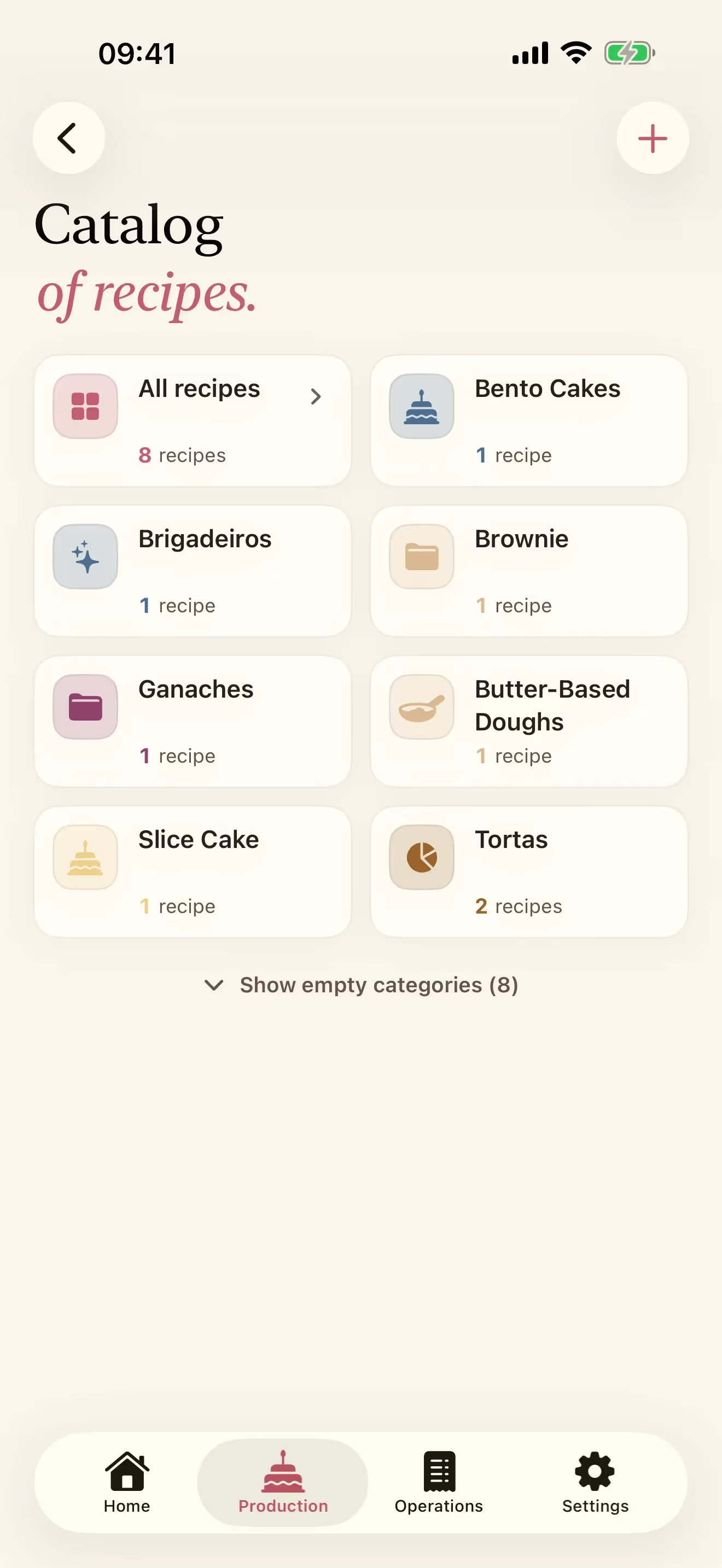
Categories with a recipe count on each one, so a catalog stays findable after the twentieth recipe.
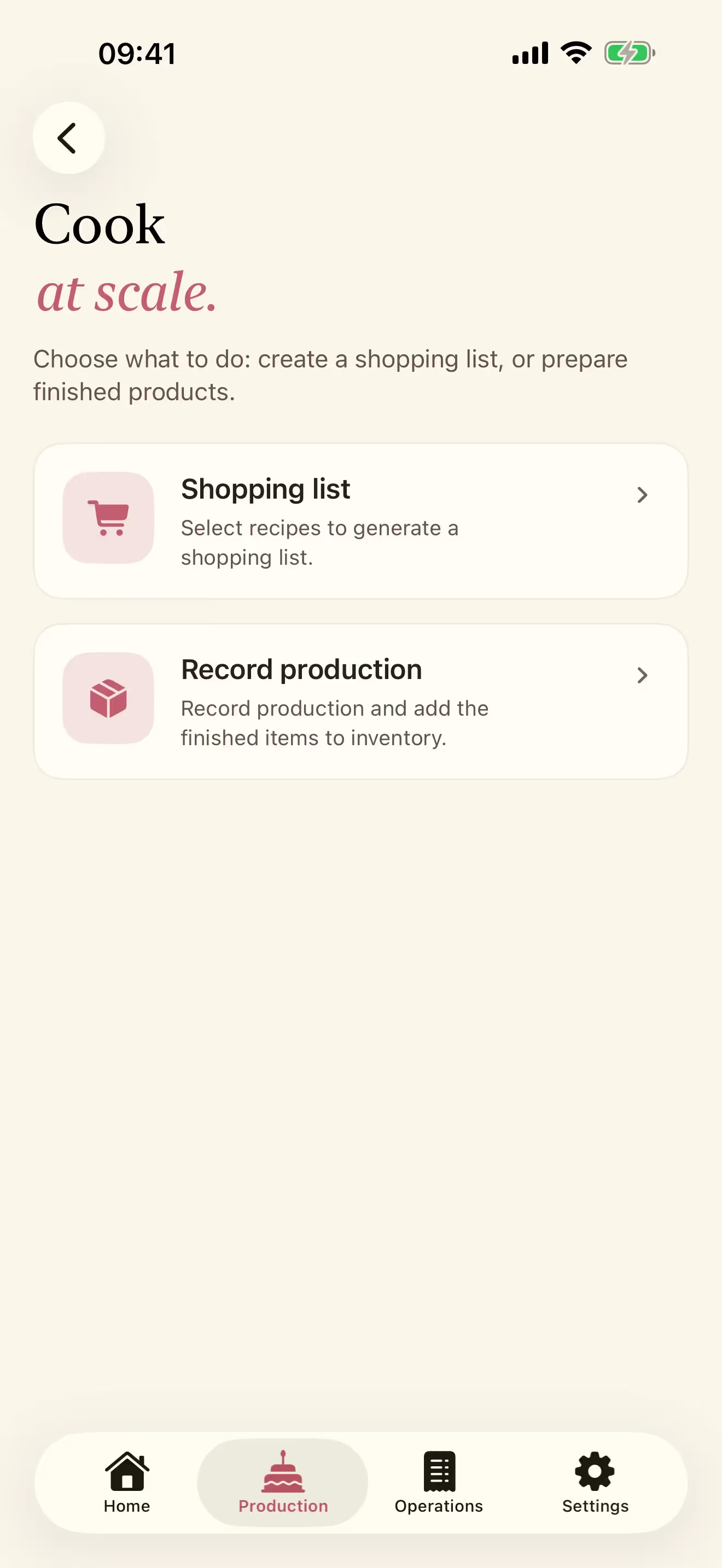
Select the recipes for the day. The app builds the shopping list, or records the batch straight into inventory.
Download it free and use recipes, ingredients, packaging and the calculator without paying. When you want inventory, purchases, sales and expenses, unlock Operations here on the site. Then sign in to the app with the same account.
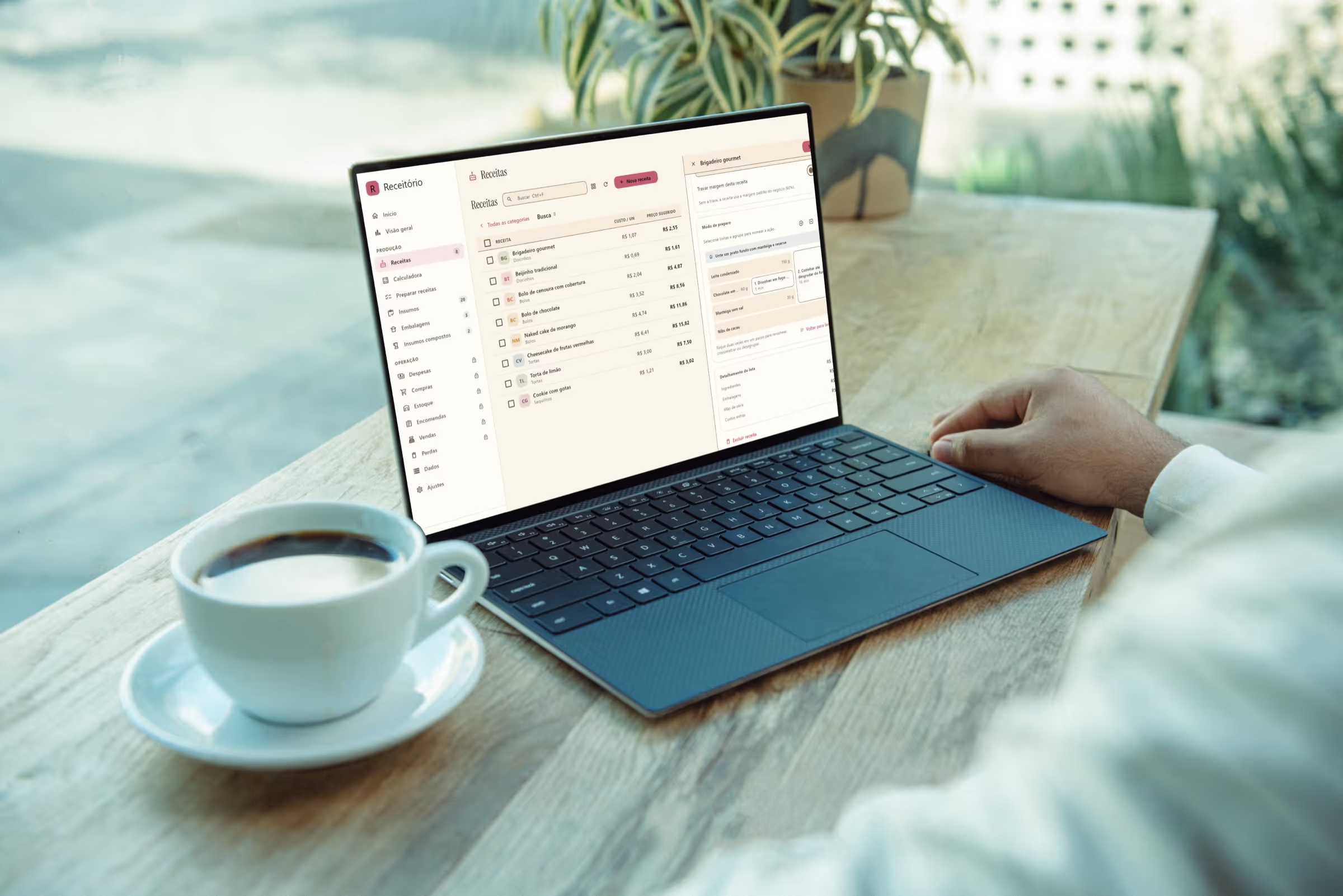
The pricing calculator opens in a Mac window, with the whole bakery sidebar beside it. Same account, same data: the price you settled on your phone is already here.
See Receitório on Mac →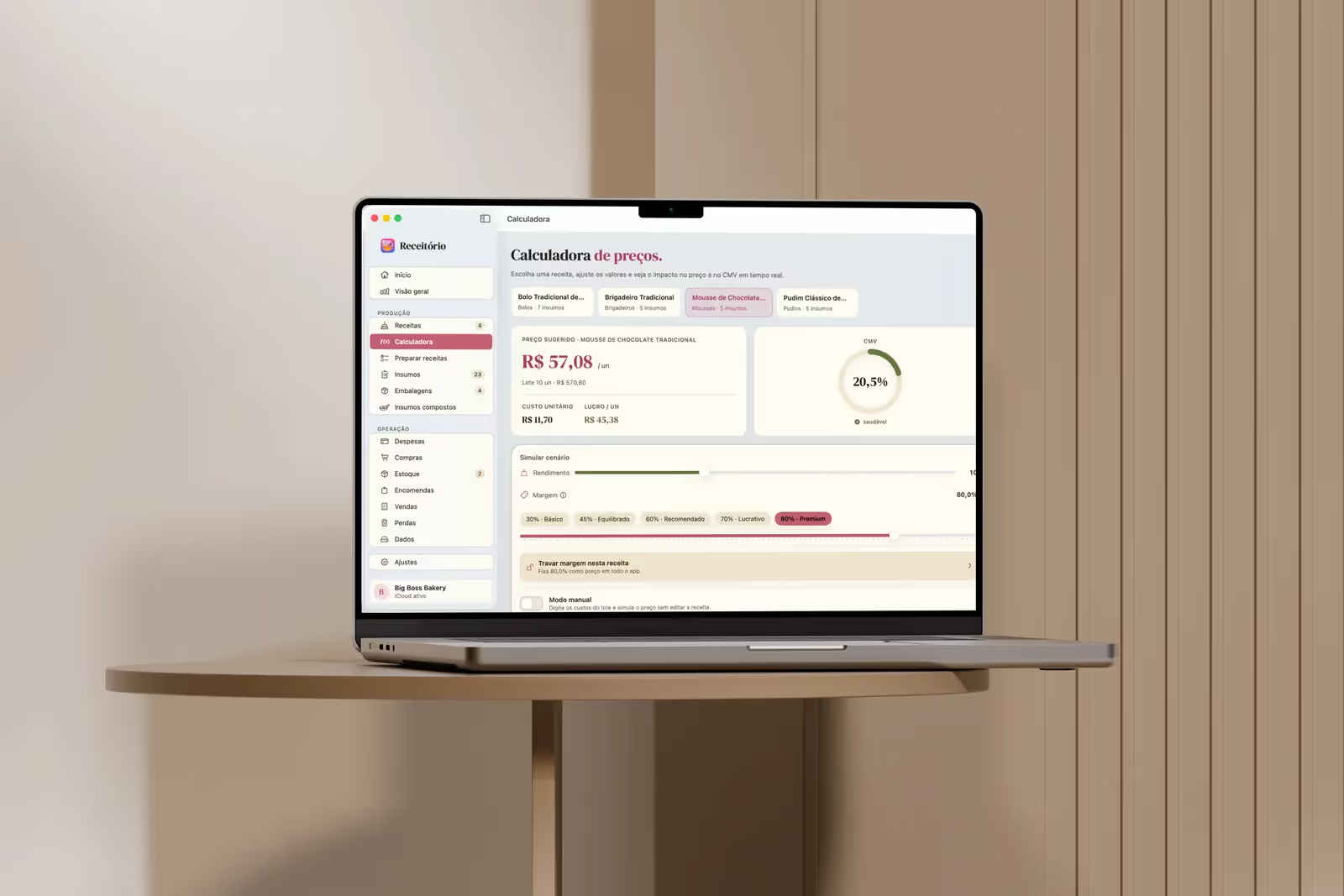
Straight answers to what every home baker has wondered: what a recipe really costs, what to charge, where the margin goes, and what the cottage food rules expect of you.
The pricing decision that comes after the costing: margin, rounding, fees, minimums and what to do when the number scares you.
Read the guideA US home-bakery costing method built from ingredients, packaging, labor, yield and margin, with a worked cookie example.
Read the guideBuild a recipe cost sheet that updates ingredient, packaging, labor, yield and food cost percentage for a home bakery.
Read the guidePut owner time into recipe cost using a defensible hourly benchmark and the hours that actually belong to each batch.
Read the guideReceitório is on Google Play, the Microsoft Store and the App Store. Building your catalog and pricing your recipes is free; when you want Operations (inventory, shopping, sales and expenses), subscribe by the month or pay once for Lifetime. Buying here rather than in the app leaves the store's cut out of the price.
Everything bakers have asked me in conversation. Something missing? Send it over and I will answer.
Yes. You can download Receitório free from Google Play for Android, from the Microsoft Store for Windows and from the App Store for iPhone, iPad and Mac.
You pick a monthly subscription, a yearly subscription, or the one-time Lifetime purchase, and you pay right here on the site. Both subscriptions start with 7 days free for anyone who has never subscribed before.
Buying here: $3.99 a month, $39.90 a year, or $79.90 once for Lifetime, in US dollars. The plans are on the Subscribe page.
Any time. If you subscribed on this site, cancel under Account. If you subscribed through the App Store, cancel in Settings → your Apple Account → Subscriptions. If you subscribed through Google Play, cancel in the Play Store → Payments & subscriptions. Canceling takes effect at the end of the period you already paid for, and your data stays with you: exporting it is free and always available. Lifetime is a one-time purchase, so there is nothing to cancel.
Yes. The app has a currency picker, and dates, numbers and amounts follow your choice. One thing to be clear about: it labels the amounts you recorded, it does not convert them. Weights are metric, in grams and milliliters, the same as in your recipes.
Only in Brazil for now, and only receipts from São Paulo state. That feature reads the QR code on an NFC-e, which is a Brazilian tax receipt, so there is nothing for it to read anywhere else. Every other part of the app works wherever you bake.
Yes. On Android and Windows, sign in with the same account you used to buy on the site and your paid features unlock. On Android, backing up to your Google Drive is optional. On iPhone, iPad and Mac, your data stays synced through your Apple Account.
On your own devices. On iPhone, iPad and Mac it syncs through your iCloud, and on Android through your Google Drive if you turn that on. On Windows it stays on your computer. You can export it for your accountant whenever you want and take it wherever you need. Nothing is locked inside the app.